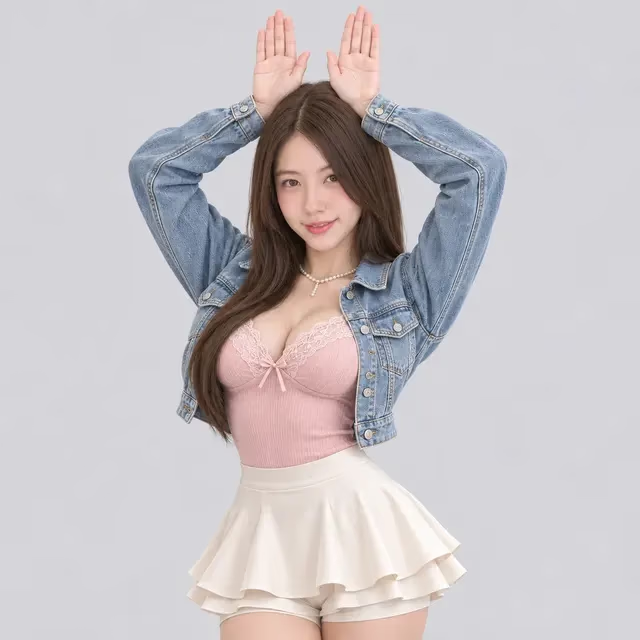
Studio Spring Outfit · standing
Mina · studio
A pose. An outfit. A person. Bring them together in a fashion image that feels entirely yours.
Start creating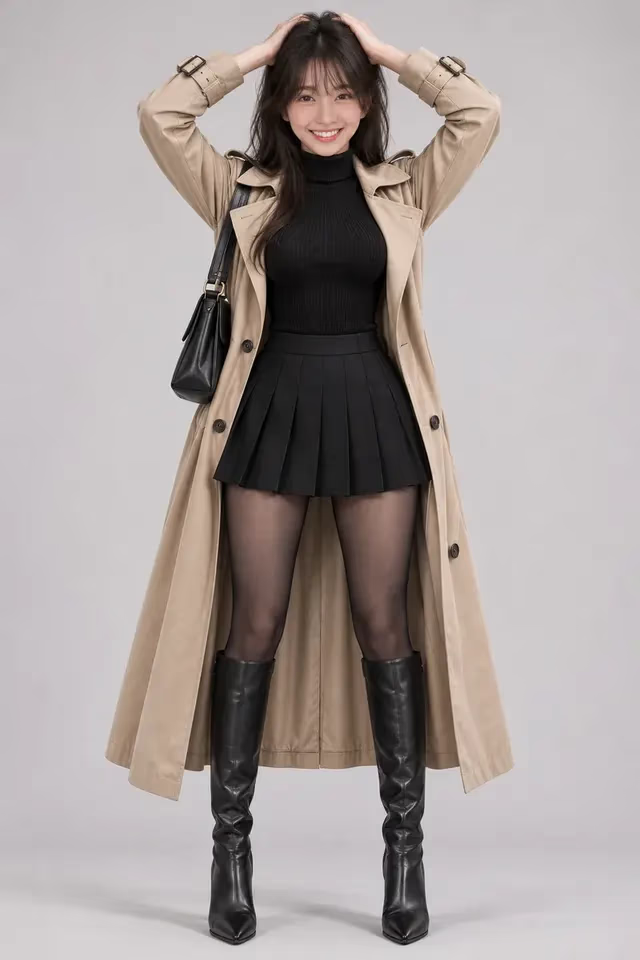 Made with Posewear
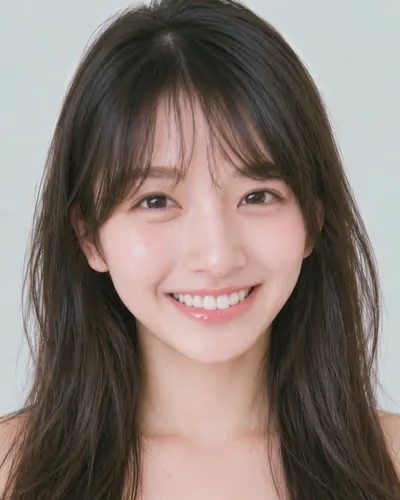
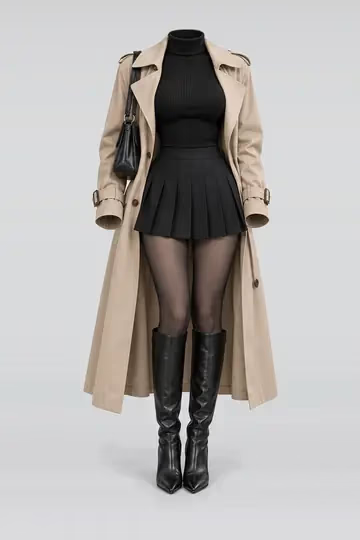
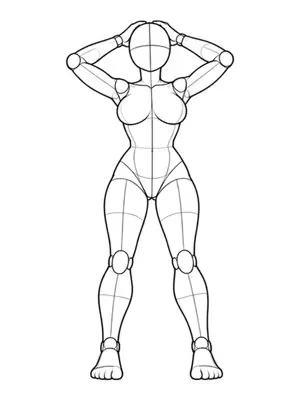
 YOUR NEXT LOOK STARTS HERE ↗
Choose three references and tell your story.
Start with the silhouette, movement and camera angle.
Choose an outfit and the person who will bring it to life.
Add your direction. Let AI bring the details together.
Posewear is a pose to image studio. Combine a person, an outfit and a pose reference to create a new fashion photograph using your choice of five AI image models.
Yes. Upload your own images for any of the three reference slots. Use images you own or have permission to use. Files are resized and encoded as WebP before upload.
Each model shows its credit cost before you generate. Credits are reserved when a task starts and returned if the task fails. Purchased credits never expire.
Your generation history is private. Publishing to the showcase is optional and makes the result, prompt and reference images public.