Fashion editorials & lookbooks
Use Posewear to explore a consistent visual direction for a collection. Try a studio portrait, a full-body editorial or a new campaign mood before arranging a shoot.
Create fashion images with Posewear, your pose to image AI studio. Choose a pose, an outfit and a person, then bring them together with your own creative direction. Explore styles, compare five image models and turn the references you love into a look that feels entirely yours.
Start creating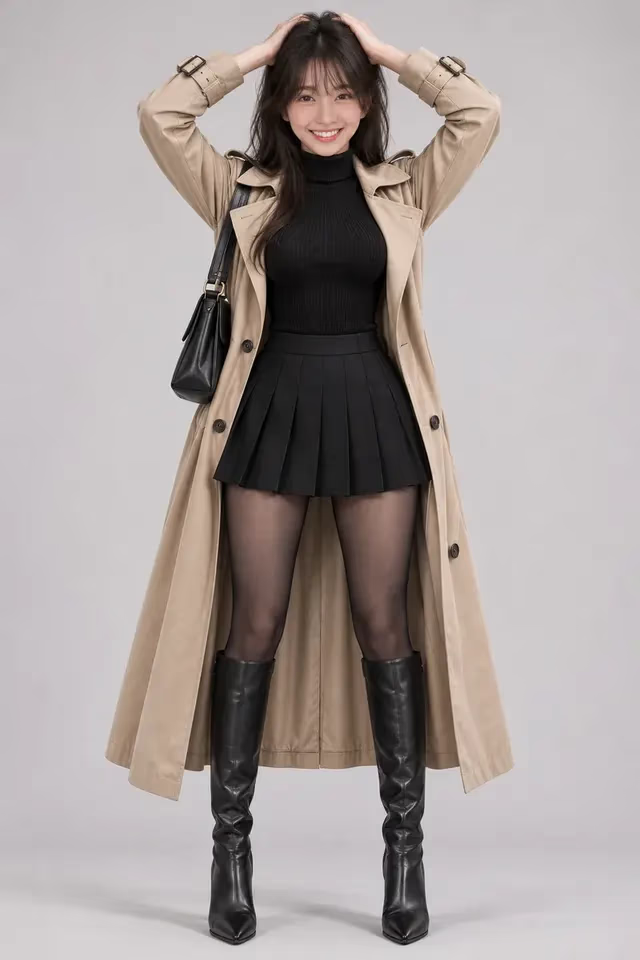 Made with Posewear
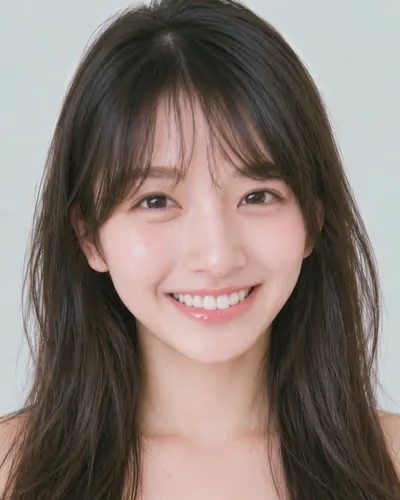
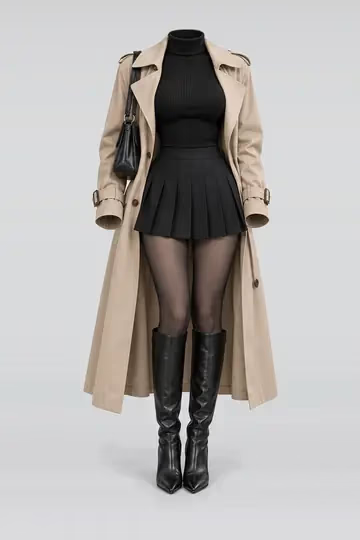
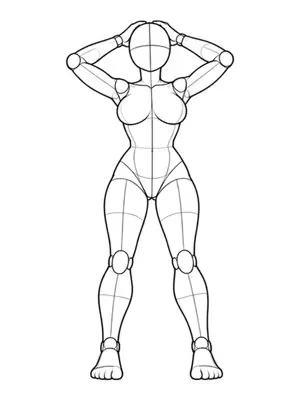
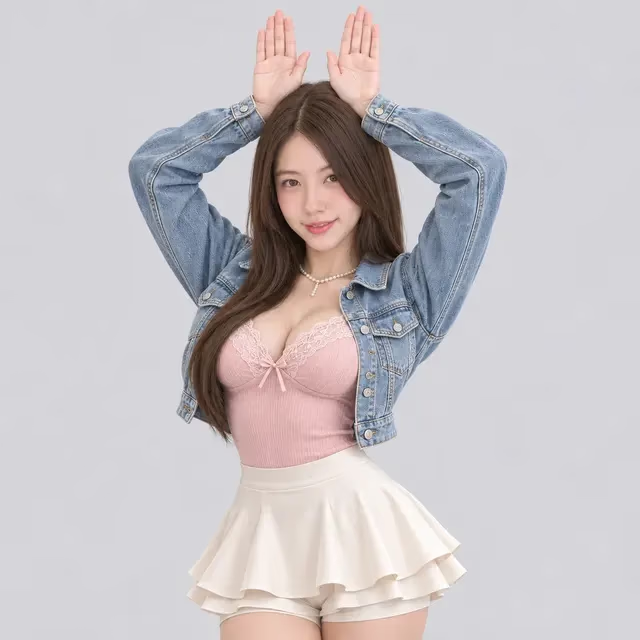 YOUR NEXT LOOK STARTS HERE ↗
Choose three references and tell your story.
Posewear is an AI fashion studio for turning a pose, an outfit and a person into a new image. Build a lookbook, explore a styling idea or create an editorial concept from references you choose.
Instead of describing every detail from scratch, give Posewear a visual starting point. Choose the silhouette and camera angle with a pose reference, guide the clothing with an outfit image, and set the face and hairstyle with a person reference. Add a prompt for the lighting, background and mood, then compare the possibilities with five image models.
Use Posewear to explore a consistent visual direction for a collection. Try a studio portrait, a full-body editorial or a new campaign mood before arranging a shoot.
Bring a clothing reference into Posewear and see how a different pose, person or background changes the look. Refine your prompt to explore fabric, layering and light.
Keep a face and hairstyle as a visual reference while experimenting with a new outfit and pose. Posewear gives your creative direction a clear place to start.
Choose a person photo with a clear face, an outfit image that shows the clothing, and a pose with a readable silhouette. Similar camera angles help the references work together. For your own uploads, use images you own or have permission to use. Posewear combines your direction with the model’s interpretation, so results can vary.
Start with the silhouette, movement and camera angle.
Choose an outfit and the person who will bring it to life.
Add your direction. Let AI bring the details together.
Posewear is a pose to image studio. Combine a person, an outfit and a pose reference to create a new fashion photograph using your choice of five AI image models.
Yes. Upload your own images for any of the three reference slots. Use images you own or have permission to use. Files are resized and encoded as WebP before upload.
Each model shows its credit cost before you generate. Credits are reserved when a task starts and returned if the task fails. Purchased credits never expire.
Your generation history is private. Publishing to the showcase is optional and makes the result, prompt and reference images public.
Posewear is useful for fashion editorials, lookbook concepts, outfit studies and character styling. Choose your three references, then describe the setting and mood. Explore the showcase to see each image alongside its references and prompt, and use Create similar to start from that combination.
Posewear offers GPT Image 2.6, Seedream 5.5, Kling Image 4.0, MiniMax H3 and MAI Image 2.7. Start with Seedream 5.5 for a lower credit cost, then try another model with the same references to compare its interpretation. The cost is shown before every generation.